
Sell it. Book it. One app does both.
Pepper Lists It is the Top Speed customer app, and it works both ways. Selling? Snap a photo of anything you sell — Pepper's AI drafts the listing and posts it for you, nothing live without your yes. Need a repair? Book appliance service right here — send Speedy a photo of the problem, track your tech on the day, and review the job when it's done.
Built for Fort Lauderdale — sell produce, trees, and whatever's in the yard today, or book a repair and let Top Speed come to you.
Two categories, one app
Inside, Pepper Lists is organized into two categories. Sell moves products — for individuals and businesses. Post shares repair experiences — reviews, videos, photos and comments.
Pepper Lists Sell
For individuals & businesses

- Individuals: snap a photo of what you're selling — Pepper drafts the listing and posts it to Facebook Marketplace only after your yes.
- Businesses: advertise inside Pepper Lists — every ad is reviewed by the Top Speed office before it runs.
- Full campaigns: run across Top Speed sites from the Flywheel advertiser console.
Pepper Lists Post
Reviews · videos · photos · comments

- Post a review of your completed repair — a Verified Repair review when it's tied to a finished job.
- Add photos or video of the repair, plus the quick post-service survey.
- Comment and get answers — Speedy replies to every review, and published reviews land on the public wall.
How it works
Two ways to use Pepper Lists — sell your products, or book a service. Either way you stay in control the whole way: Pepper prepares, you approve.
Selling — four steps to a live listing

Snap a photo
Point your camera at the item — a box of ackee, a mango tree, a stack of produce. One photo is enough to start.
AI drafts the listing
Pepper recognizes the item and drafts the title, category, condition and description, with a confidence score. Regulars are matched to their usual prices automatically.
You review
Check the draft, fix anything, set the price if it's something new. If a price is missing, Pepper asks — it never invents one.
Pepper posts it
Only after you confirm in chat does Pepper post the listing through your connected account. You get the live link back.
Booking — four steps to a fixed appliance
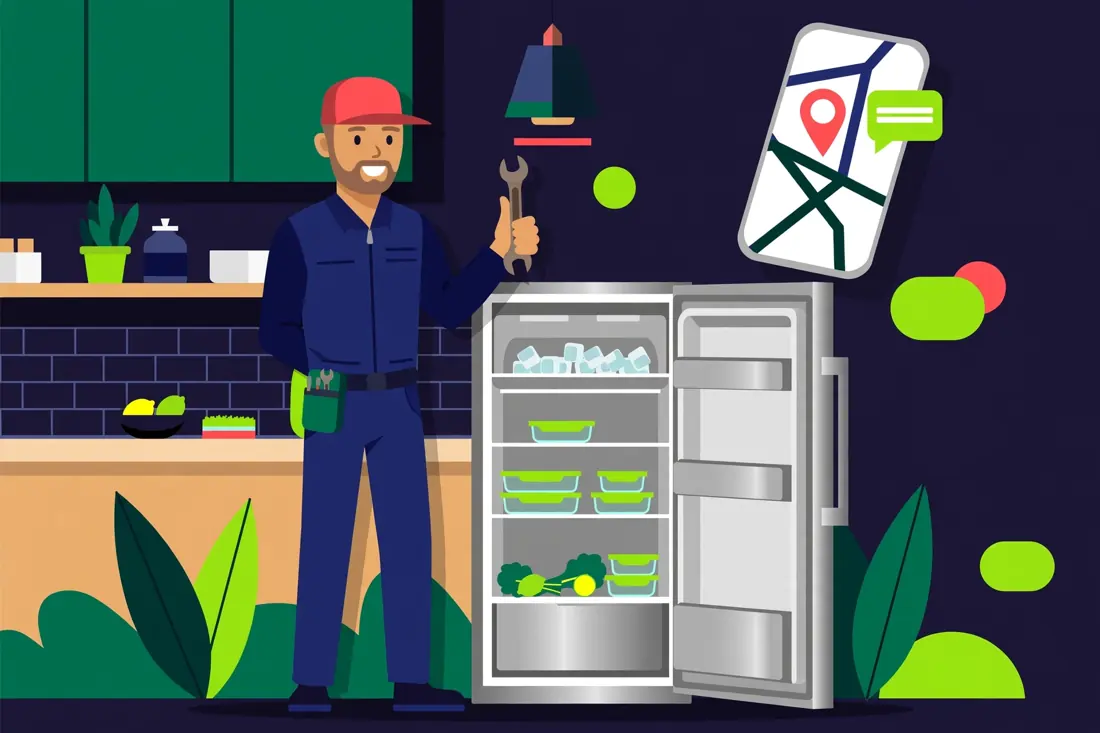
Say what's wrong
Open the booking form or tell Speedy. Snap a photo of the appliance or its model plate — Speedy reads it and starts the booking with you.
Confirm the visit
The Service Setters confirm your details and time window. The residential diagnostic is $99, collected at booking and credited toward your repair.
Track your tech
On the day, follow your technician live on the map — and message the office any time, right from here.
Review the repair
When the job is done, rate it in Pepper Lists Reviews — Speedy answers every review personally.
Customer ads
Real ads from Pepper Lists sellers and Top Speed partners. Every ad is reviewed by the Top Speed office before it runs — nothing appears here unapproved.
Where Pepper posts
Straight answers on what's live today and what's still coming — no platform is listed here as live unless it really is.
Facebook Marketplace
Live now. Pepper posts through the owner's connected Facebook account — the same account behind the Seller app — after you confirm each listing in chat.
You can pick Instagram today; those posts sit in Pepper's queue and go live as soon as the owner connects the Instagram account.
TikTok · YouTube · eBay · OfferUp
On the roadmap, not live yet. Pepper won't claim a post went up on these platforms until the connection really exists.
Catalog regulars
The Fort Lauderdale staples Pepper already knows by name and price — snap one of these and the draft comes back priced and ready.
$5
Fresh Ackee
The classic — priced per unit, ready to list.
$30
Ackee by the Box
The full box, for buyers who stock up.
$4
Ackee Tree
Young ackee trees, garden-ready.
$10
Mango Trees
Established mango trees.
$12
Mango Tree
The larger single-tree listing.
$8
Saplings
Young saplings, ready to plant.
$12
Longan
Fresh longan, Fort Lauderdale pickup.
$12
Avocados
Fresh avocados, priced and ready.
$20
Spanish Limes / Longans / Avocados
The combo listing regulars ask for.
$25
Box of Fruits
A mixed box of what's fresh.
Questions, answered
How Pepper Lists It actually works — no fine print.
Does Pepper post without asking me?
No. Pepper drafts every listing and waits. A listing only goes live after you confirm it in chat — and posting runs through your own connected Facebook account, so it shows up in your Seller app like any listing you made yourself.
What if Pepper doesn't know the price?
Then the listing is marked "Needs info" and Pepper asks you. Known regulars come back with their usual prices; anything new waits for your number. Pepper never invents a price.
Which platforms can I post to today?
Facebook Marketplace is live. Instagram can be selected and queues until the owner's Instagram account is connected. TikTok, YouTube, eBay and OfferUp are coming soon — they're shown honestly as not live yet.
Can I book appliance repair here too?
Yes — that's the other half of Pepper Lists. It's the Top Speed customer app for both sides: sell your products, and book Top Speed appliance services. Book with the classic web form or with Speedy, track your technician live, keep your appliances in your Garage, and review your repair when it's done.
How do I advertise inside Pepper Lists?
Sign in, open the Advertise lane, and send your ad. The Top Speed office reviews every ad before it runs — submitting is free, and nothing is charged or shown without office approval. Approved ads appear in the Customer Ads section here and can rotate in the Flywheel mini banner across Top Speed sites.
Who is Pepper?
Pepper is the AI assistant behind Top Speed Appliance in Fort Lauderdale, Florida — the same Pepper who runs the Service OS, with Speedy AI as the brain. Talk to Speedy any time with the button on this page.
Pepper Lists Reviews
Real reviews from real repairs, posted by customers from inside Pepper Lists after their service — photos, video and all. Speedy, our Assistant Manager, answers every one.
Ready to list something?
Open Pepper Lists It on the Service OS, snap a photo, and review your first draft in under a minute. Or ask Speedy first — tap Talk to Speedy and describe what you're selling.
Open Pepper Lists ItThe Top Speed Ecosystem
Everything runs on one connected platform with Speedy AI at the center — booking, live tracking, parts, referrals, and service for homes, property managers, and businesses.
Good to know: Pepper Lists It is part of the Top Speed family — the same Service OS behind it also books repairs, tracks technicians, and runs Refer & Earn.